mirror of
https://github.com/AyuGram/AyuGramDesktop.git
synced 2026-07-25 06:54:43 +00:00
 John Preston
0cf85be86b
John Preston
0cf85be86b
- Send reactions to messages.
- Group and Channel admins can enable reactions in their chat
via '...' menu > Manage > Reactions.
- Select text when typing and choose 'Formatting > Spoiler' in
the context menu to hide some or all of the contents of a message.
- Click on the spoiler in chat to reveal its hidden text.
- Spoiler formatting hides text in chat,
as well as in the chat list and notifications.
Telegram Desktop – Official Messenger
This is the complete source code and the build instructions for the alpha version of the official desktop client for the Telegram messenger, based on the Telegram API and the MTProto secure protocol.




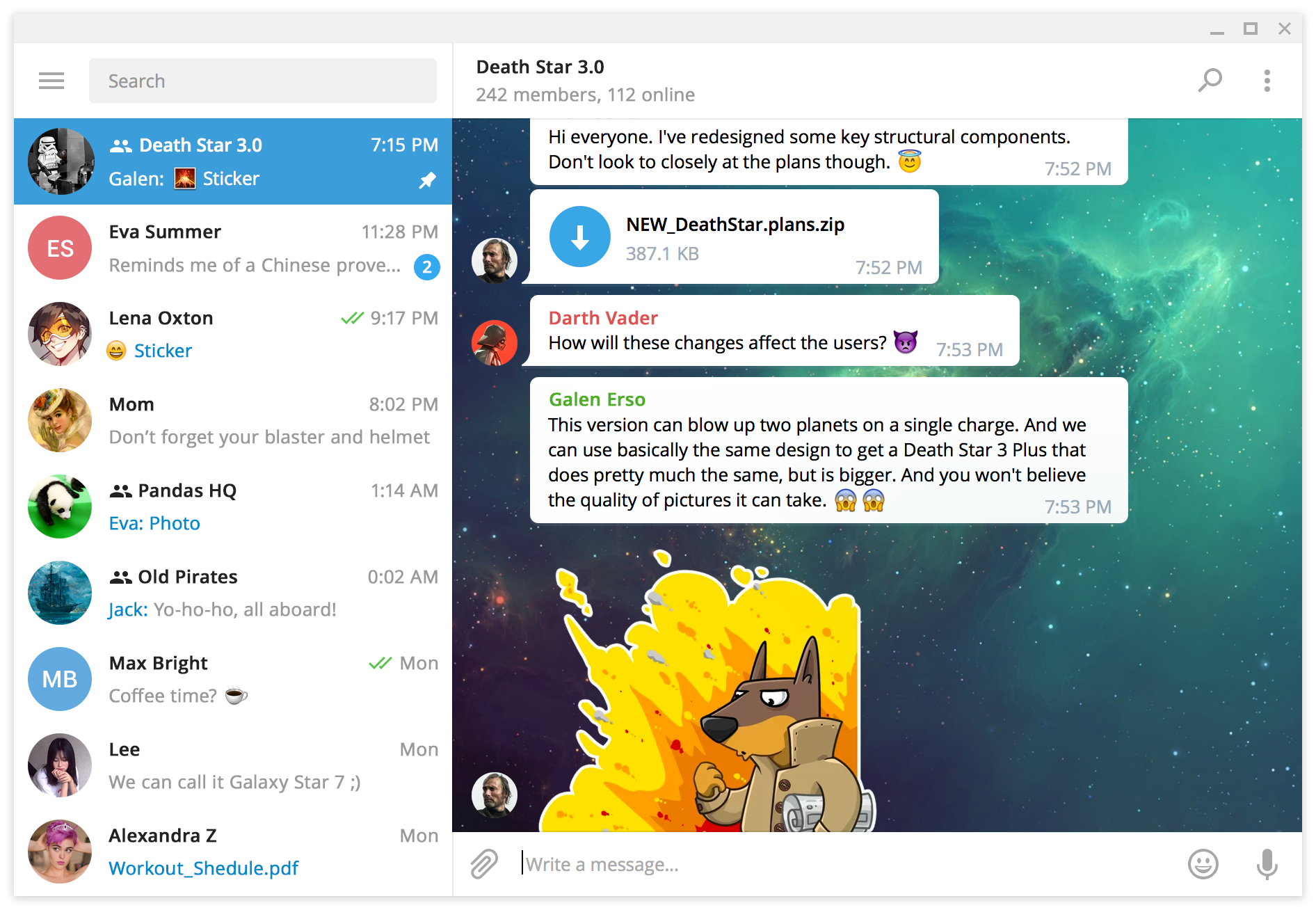
The source code is published under GPLv3 with OpenSSL exception, the license is available here.
Supported systems
The latest version is available for
- Windows 7 and above (64 bit) (portable)
- Windows 7 and above (32 bit) (portable)
- macOS 10.12 and above
- Linux static build for 64 bit
- Snap
- Flatpak
Old system versions
Version 2.4.4 was the last that supports older systems
Version 1.8.15 was the last that supports older systems
Third-party
- Qt 6 (LGPL) and Qt 5.15.2 (LGPL) slightly patched
- OpenSSL 1.1.1 and 1.0.1 (OpenSSL License)
- WebRTC (New BSD License)
- zlib 1.2.11 (zlib License)
- LZMA SDK 9.20 (public domain)
- liblzma (public domain)
- Google Breakpad (License)
- Google Crashpad (Apache License 2.0)
- GYP (BSD License)
- Ninja (Apache License 2.0)
- OpenAL Soft (LGPL)
- Opus codec (BSD License)
- FFmpeg (LGPL)
- Guideline Support Library (MIT License)
- Range-v3 (Boost License)
- Open Sans font (Apache License 2.0)
- Vazir font (SIL Open Font License 1.1)
- Emoji alpha codes (MIT License)
- Catch test framework (Boost License)
- xxHash (BSD License)
- QR Code generator (MIT License)
- CMake (New BSD License)
- Hunspell (LGPL)
Build instructions
- Windows (32-bit) (64-bit)
- macOS
- GNU/Linux using Docker